
How to reset an iPhone and bring it back as good as new in order to sell it.
In this guide we will list a number of steps that are essential to selling your iPhone safely.
Make a full backup
Usually who sells an iPhone does so to buy another one, so it is a good rule to make a full backup of the device we decided to sell to keep all personal information such as contacts, calendar, calendar, applications etc...etc...
Computer
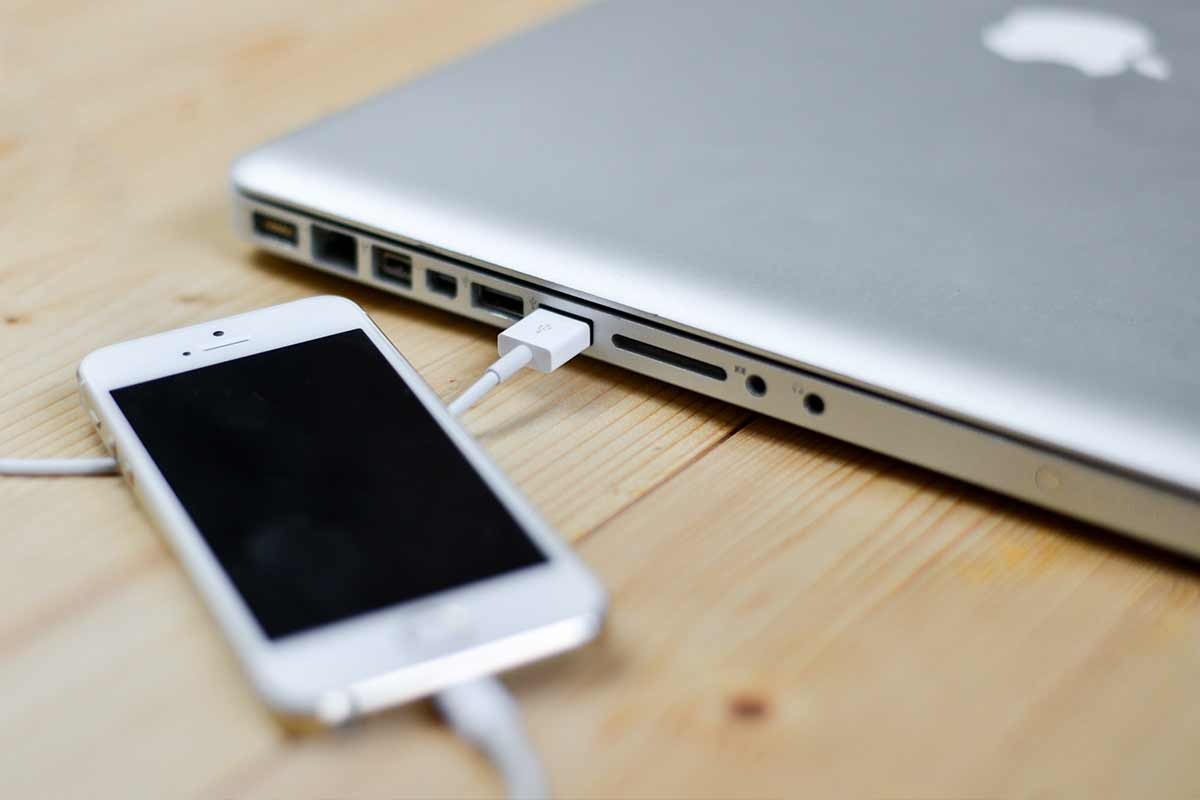
To backup, simply connect your iPhone to a computer using the "lightning - USB" cable and start Apple's iTunes software.
1. Open iTunes on a PC and open the Finder on a Mac.
2. If your phone has a security code, you'll need to enter it to authorize the connection between your computer and iPhone.
3. Finally, click "Backup" (in iTunes) and wait for the operation to complete.
iCloud
Alternatively, you can back up your iPhone using the space offered or purchased on iCloud.
iCloud offers 5Gb of free space but you can increase your Gb by paying a small price (0.99€/month for an extra 50Gb).
To start backing up to iCloud, simply connect your phone to a Wi-Fi network and check that the device has finished "setup/
Remove cards from Wallet/Apple Pay
To remove a card from Apple Pay simply go to "Settings/Wallet and Apple Pay, tap on the card to remove, scroll down and then tap on "Remove this card".
Deactivate "Find My iPhone"
All iPhone owners with iOS prior to version 10.3 will have to go in: Settings/Cloud/Find my iPhone and manually deactivate the phone search service.
Logout from the main Apple services
Log out (log out) from iCloud, iTunes and App Store services.
iOS up to 10.2
Settings/iCloud/Exit, tap Exit again and then "Delete Device". You must have your Apple ID password handy.
iOS from 10.3
Settings/your name/scroll down and tap "Exit". Enter the password and then tap "Disable".
Note: If you have paired your iPhone with an Apple watch, remember to cancel the connection.
Restore your iPhone as good as new
Disconnect your phone from your computer, and get ready to reset your used iPhone.
Go to Settings / General / Reset / Initialize content and settings.
Done!
Within a few minutes you will receive on screen confirmation that your iPhone has been restored to its original factory default condition.
Finally, log in to your Apple ID account (https://appleid.apple.com) and unsell the device you want to sell.
Note: Always have your Apple ID credentials handy when restoring the initial configuration.
