
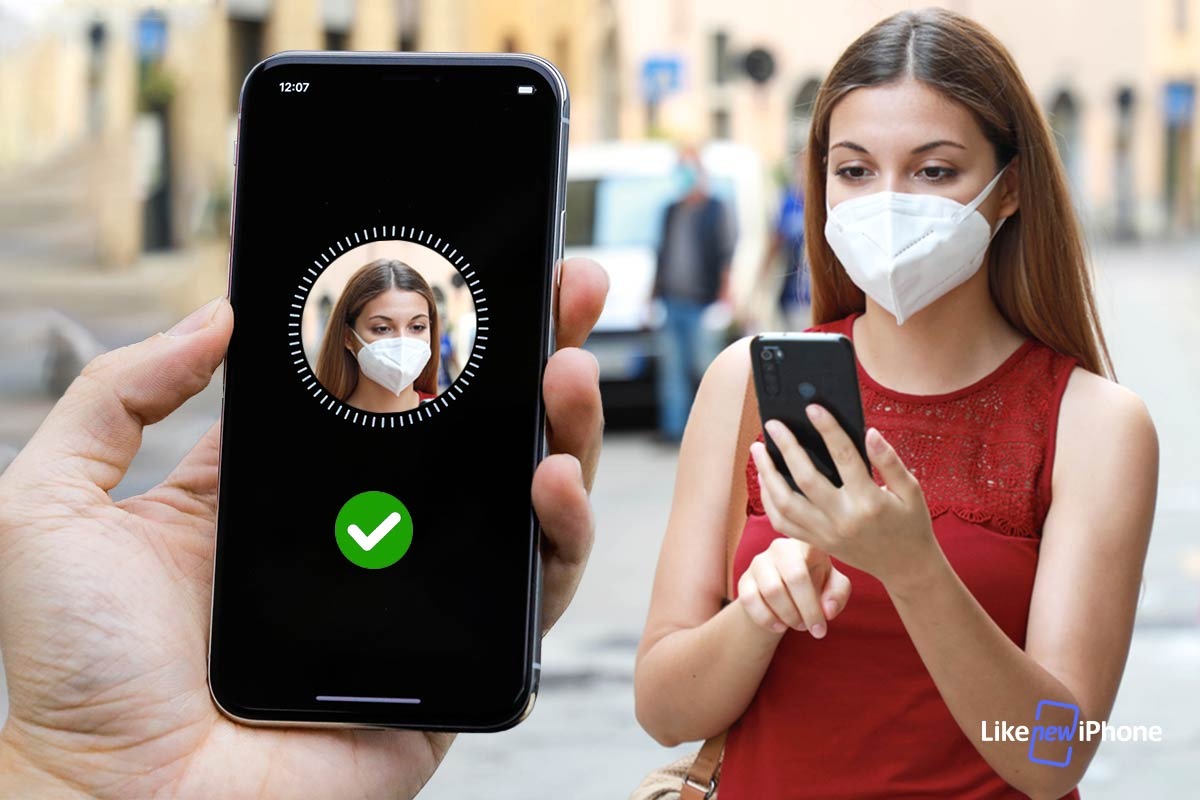
Apple has finally solved the problem of facial recognition to unlock the phone even while wearing the face mask. The novelty comes with iOS 14.5 which through FaceID allows you to reactivate your iPhone despite the use of the protective device.
Unlocking the phone through face recognition is possible thanks to iOS 14.5, but to do this, you need to wear an Apple Watch while doing the operation. The FaceID recognition process will remain unchanged, simply turn your face towards the iPhone and you will immediately receive a vibration notification that will notify you of the operation of the phone.
It will not be necessary to point the Apple Watch towards you, but simply wear it on your wrist while reactivating via FaceID on your smartphone.
Facial recognition with mask: what you need to know
To unlock your smartphone via FaceID when wearing the face mask, you will need an iPhone X or higher. In addition to this it is essential to have an Apple Series 3 or later models with watchOS 7.4.
Before using the new iOS 14.5 function, you will have to activate it manually through the settings, in this way the FaceID recognition capacity will be amplified despite the partial coverage of the face, since the associated Apple Watch will have been previously detected by your iPhone. You will also be able to unlock your device from the Apple Watch, but you will not be able to manage other operations that require facial recognition in this way, for example a purchase on the App store. Also, remember that for everything to work as it should, pulse detection on the Apple Watch must always be enabled.
How to unlock your iPhone through FaceID and Apple Watch
Enabling the smartphone unlocking through Apple Watch is extremely easy, just enter the settings of your iPhone, find the FaceID and code section, and then immediately activate the unlock command with Apple Watch.
In this way you will be able to authenticate your phone through the Apple watch, but be careful remember that this will only be possible if:
The FaceID system will detect the presence of a mask
The Apple Watch will be found on your wrist, already unlocked, near the iPhone and with the passcode enabled
You will know that your phone is back in operation thanks to receiving a vibrating notification.
Potential and limits
Another possibility offered by this system is to lock the smartphone directly from the notification on the Apple Watch, a way to ensure greater security if the device is unlocked by another person wearing the mask.
Undoubtedly this novelty represents a quick and safe solution found by Apple to make FaceID facial recognition work, despite the presence of the protective mask on the face. Of course it does not work for more complex operations such as authorizations aimed at purchasing, but it represents a big step forward in overcoming this problem.
Likenewiphone's advice
Refurbished iPhones also respond to this feature as long as all the conditions we have previously listed are met. In addition, choosing a refurbished iPhone means buying an aesthetically pleasing product, with the same technical characteristics of a new device and at a very competitive price.
By purchasing a refurbished iPhone from Likenewiphone you will receive a product with attention to every detail, sanitized and guaranteed for 12 months. It will be delivered to you in an elegant package, shipped safely to ensure the integrity of the device.
In addition to iPhone phones, Apple Watches are also available on our store.
All devices sold by Likenewiphone are updated to the latest iOS version available at the time of shipment.
