
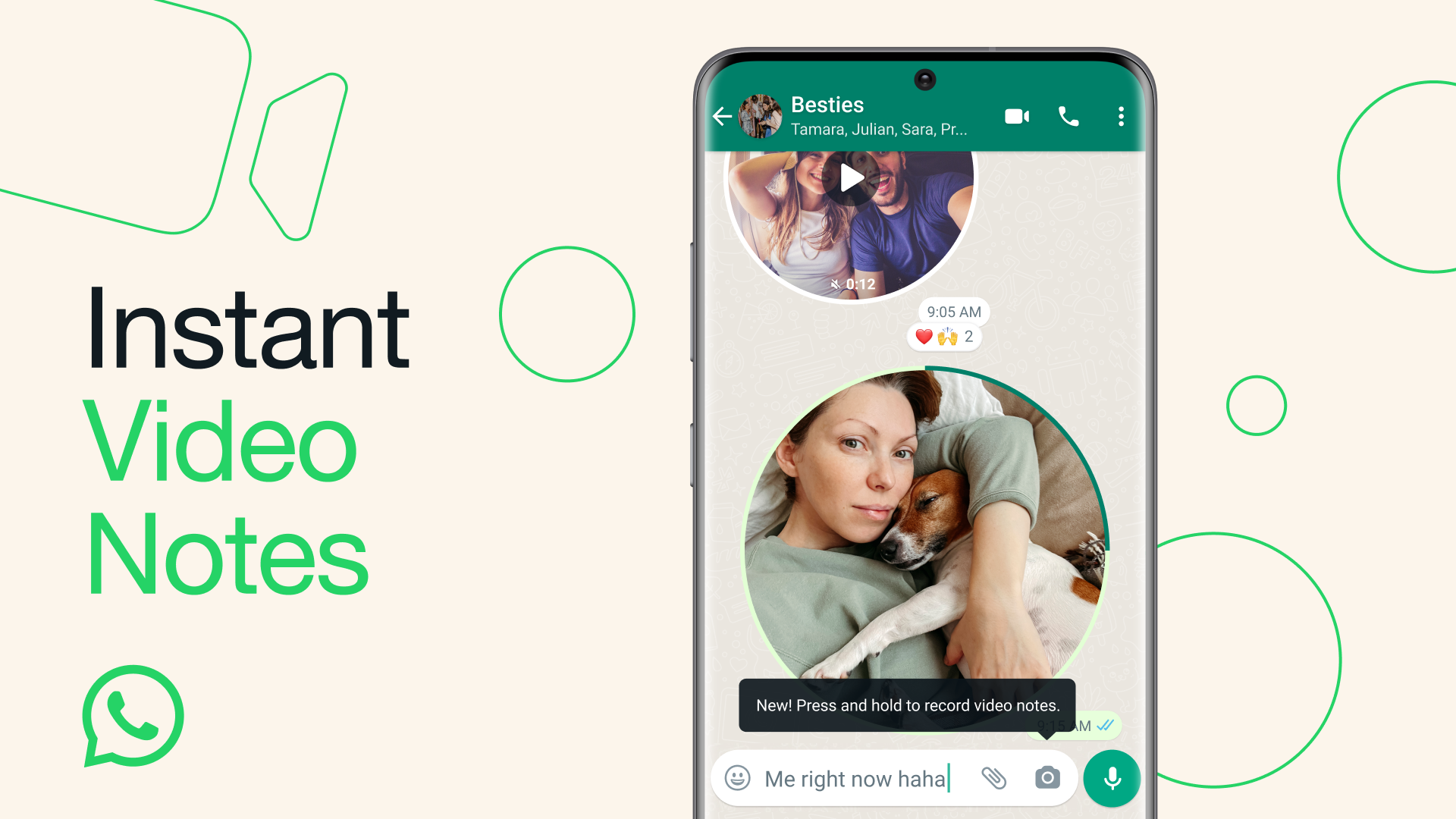
WhatsApp has launched a new feature called Video Notes, which allows you to send short video messages directly in chats. This article will guide you in using this innovative feature on Android and iOS devices, optimized to enhance your communication experience.
How to Use Video Notes
1. Open a Chat: Select a chat on WhatsApp.
2. Record a Video Note:
- Tap the camera icon to switch to video mode.
- Hold down the camera icon to start recording your message.
- Release the button to automatically send the video note.
- During recording, you can switch between the front and rear cameras.
3. Playback: The recipient can play the video note directly in the chat by tapping on it.
Features of Video Notes
- Ease of Use: Record and send videos quickly.
- Personal Touch: Add a personal touch to your messages with expressive videos.
- Seamless Integration: Works smoothly within the chat interface.
- Camera Switching: You can switch from the front to the rear camera during recording for greater flexibility.
Benefits
1. Expressiveness: Conveys emotions and context better than text.
2. Convenience: Easy to record and send, making conversations more dynamic.
3. Improved Communication: Perfect for quick updates, sharing moments, or adding a personal touch to your messages.
Why Use WhatsApp on a Refurbished Device
1. Financial Savings: Refurbished devices are significantly cheaper compared to new ones, offering excellent value for money.
2. Guaranteed Quality: Each device is rigorously tested and certified to ensure top performance.
3. Environmental Sustainability: Purchasing a refurbished device contributes to reducing electronic waste, promoting more sustainable practices.
4. Full Functionality: Refurbished devices offer all the necessary features to use WhatsApp effectively, including the ability to send video notes.
Try Our Refurbished Products
Enhance your experience with WhatsApp by using our high-quality refurbished devices. Discover our refurbished iPhones and save without compromising on quality.
